

POS INTEGRATIONS
Connect your payments with your point-of-sale system
Create a smoother checkout experience by connecting your Skyzer payment terminal with your POS. Reduce manual handling, improve transaction accuracy and give your team a simpler way to take payments.
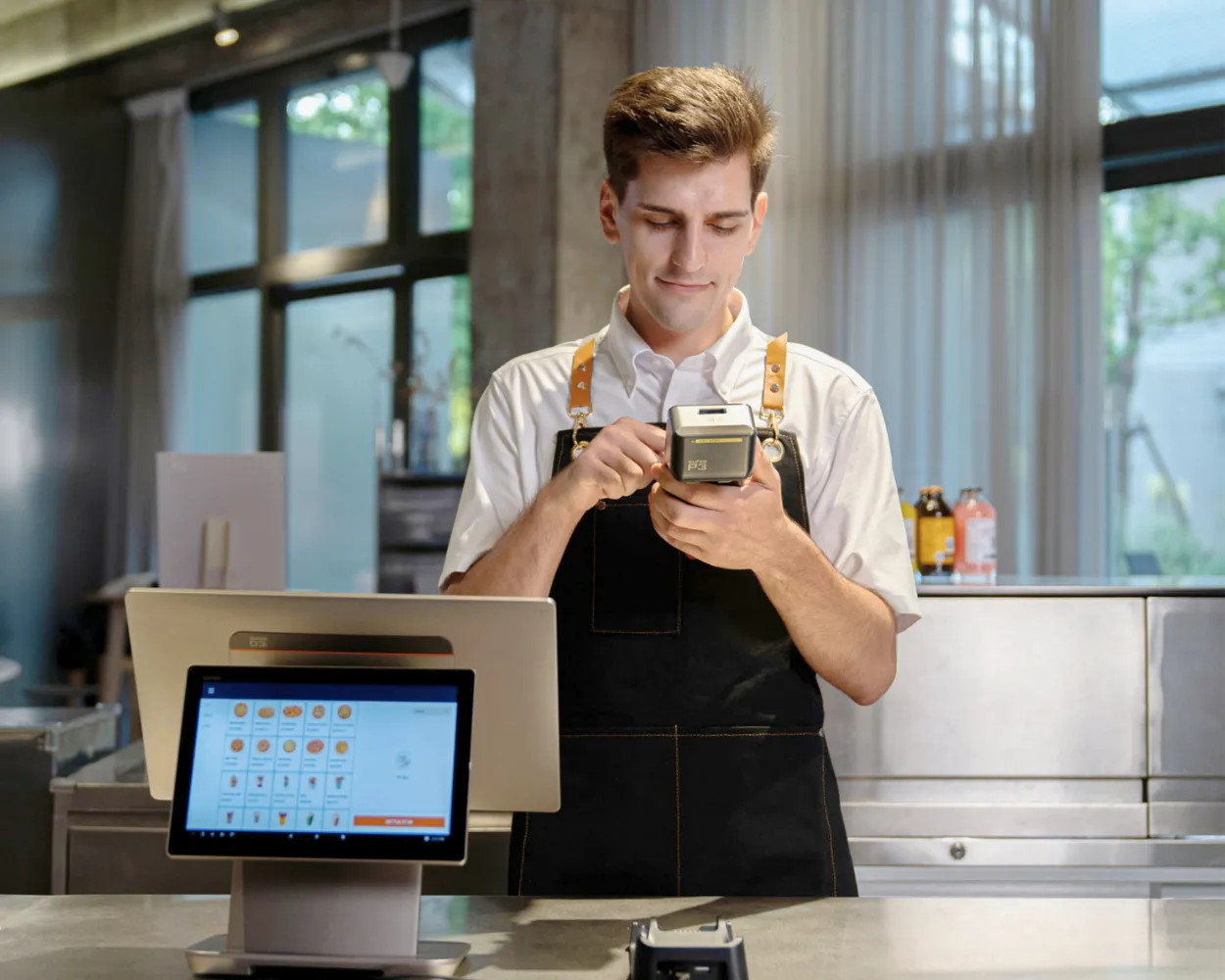
A smoother connection from sale to payment
POS integration allows transaction information to move between your point-of-sale system and payment terminal. Instead of manually entering the payment amount twice, your team can move from order to payment through a more connected process.
Less Manual Handling
Send transaction information from the POS to the payment terminal without re-entering the amount.
Greater accuracy
Reduce the risk of payment amounts being entered incorrectly during busy trading periods.
Faster Checkout
Create a simpler process for staff and a more seamless experience for customers.
HOW IT WORKS
From checkout to payment in four simple steps
The sale is entered
Your team enters the products or services into the POS system.
The amount is sent
The payment amount is passed from the POS to the connected terminal.
The customer pays
The customer completes the transaction using their preferred available payment method.
Completed
The transaction result is communicated back through the integrated setup.
FLEXIBLE CONNECTIONS
Integration designed around your payment environment
Different businesses use different POS platforms, devices and network setups. Skyzer can help identify an integration approach suited to your existing environment and future requirements.
SkyLink Pro
SkyLink Pro is Skyzer’s POS integration protocol. It can connect supported POS systems and payment terminals using USB, Ethernet or Wi-Fi. It can also support an inter-app setup where the POS and payment applications operate on the same compatible device.
Linkly Integration
Linkly integration options may also be available for compatible POS, terminal and payment environments. Skyzer can confirm the appropriate approach based on your existing setup.
POS COMPATIBILITY
Does your POS already work with Skyzer?
Skyzer supports integrations with a wide range of POS providers across retail, hospitality and other business environments. Tell us which system you currently use and we’ll confirm the available options.







MULTI-SITE BUSINESSES
One payment approach across every location
For businesses operating across multiple stores, sites or checkout lanes, Skyzer can work with your team, bank and technology providers to plan a coordinated terminal and POS integration.
Integration planning around your existing POS environment
Coordinated terminal deployment across multiple locations
Ongoing support from a New Zealand-based team
COMPATIBLE PAYMENT TERMINALS
Find the right terminal for your setup
The right terminal depends on how and where your customers pay, the POS system you use and whether you operate from one location or many.
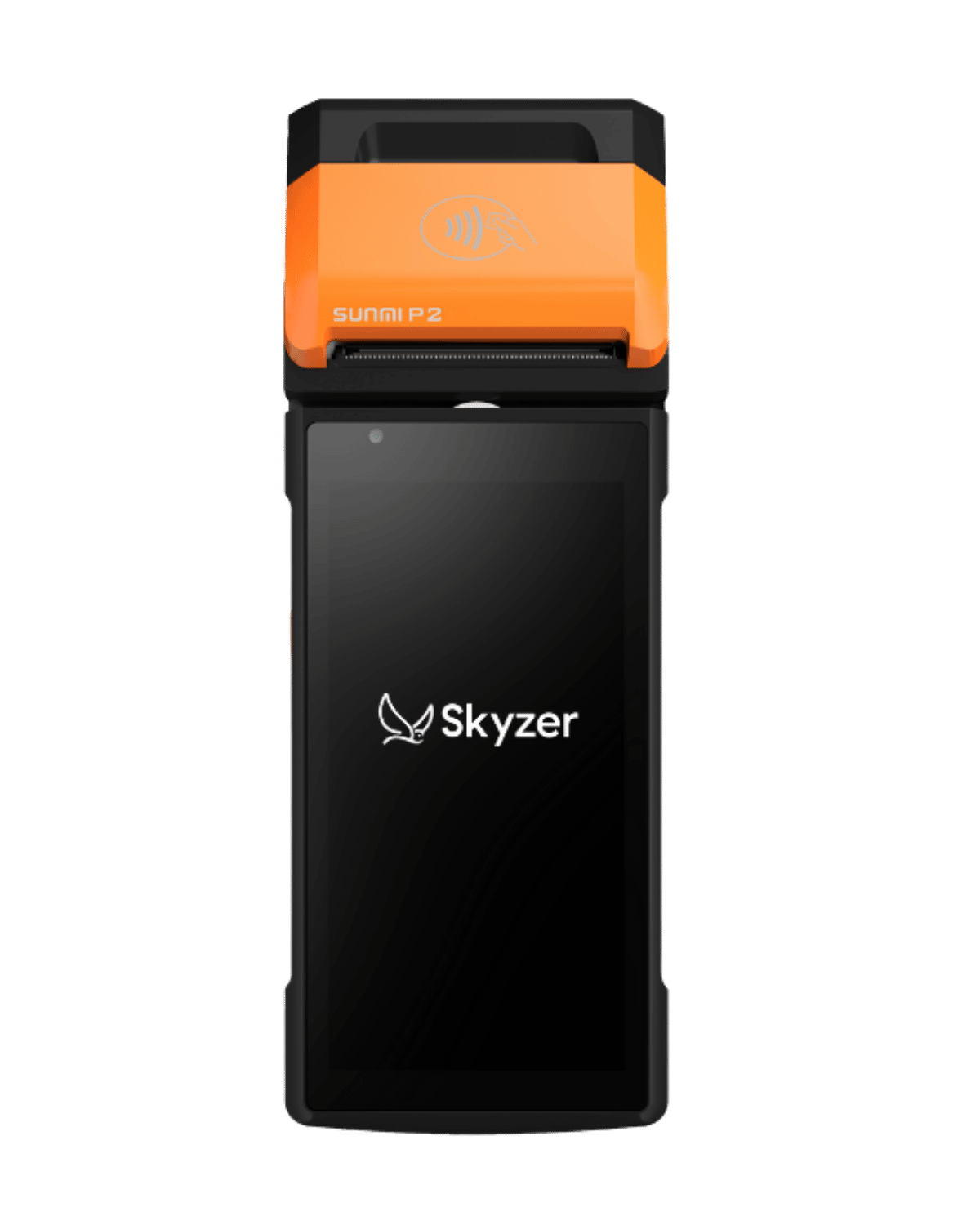
PORTABLE EFTPOS
P2
A versatile handheld terminal with built-in receipt printing, ideal for taking payments around your business.
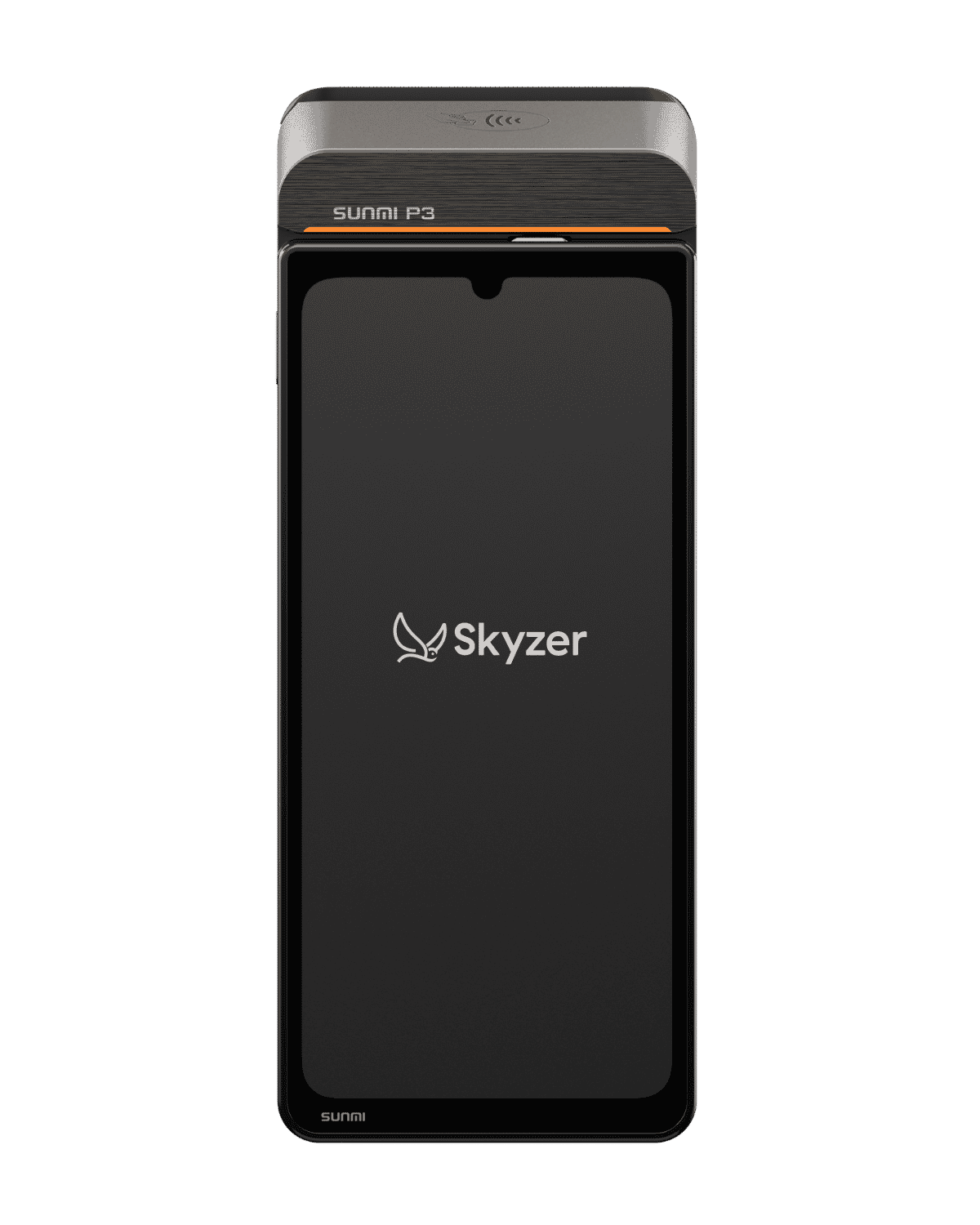
SMART EFTPOS
P3
A modern Android payment terminal offering touchscreen functionality for everyday business payments.
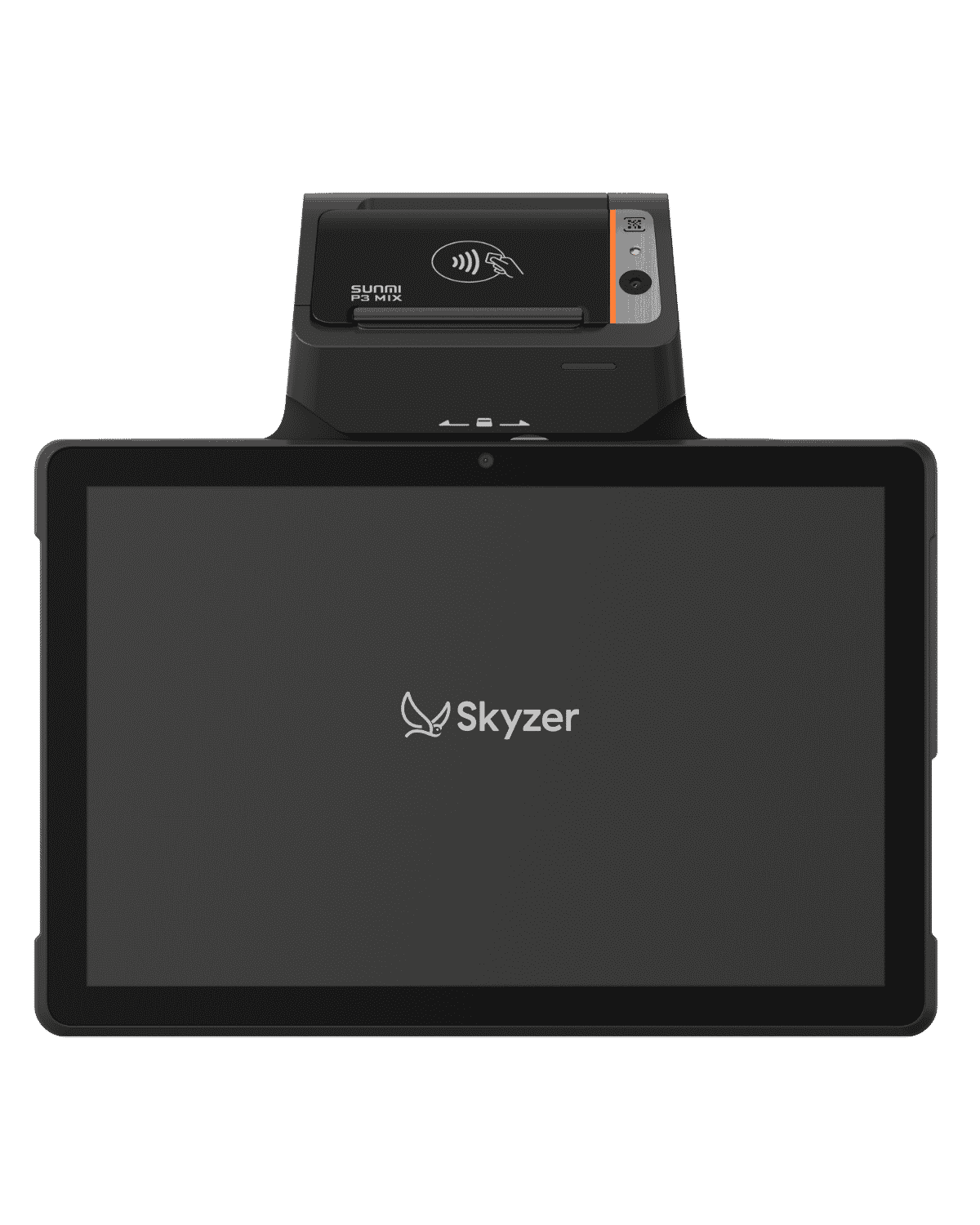
VERSATILE POS
P3 MIX
A larger-format smart payment device suited to businesses looking for more flexibility at the point of sale.
FREQUENTLY ASKED QUESTIONS
Common questions about connecting your POS and payments
From system compatibility and connection methods to multi-site rollouts, here are some of the common questions businesses ask about integrating their POS with a Skyzer payment terminal.
Does my existing POS system work with Skyzer?
Skyzer supports a wide range of POS systems. Compatibility can depend on your POS provider, software version, terminal and preferred connection method. Contact us with your current setup and we’ll confirm the available options.
What information do you need to check compatibility?
Let us know your POS provider, POS software version, number of locations and terminals, and how your current payment devices are connected.
What if my POS system is not currently listed?
Talk to our team. We can review your requirements and determine whether an existing integration is available or whether further investigation is required.
Which connection methods are available?
Depending on the solution, supported connection methods can include USB, Ethernet, Wi-Fi or an inter-app connection on a compatible device.
Can I use a terminal without POS integration?
Yes. A standalone terminal may still be appropriate for some businesses. Skyzer can help you compare standalone and integrated configurations.
TALK TO SKYZER
Build the right payment solution for your business
Whether you need one terminal or a connected solution across multiple locations, talk to Skyzer about the hardware, integrations and functionality that suit the way you operate.